



Account
Login and profile checks
Use this area when you want to confirm your mobile number, update password habits or check…
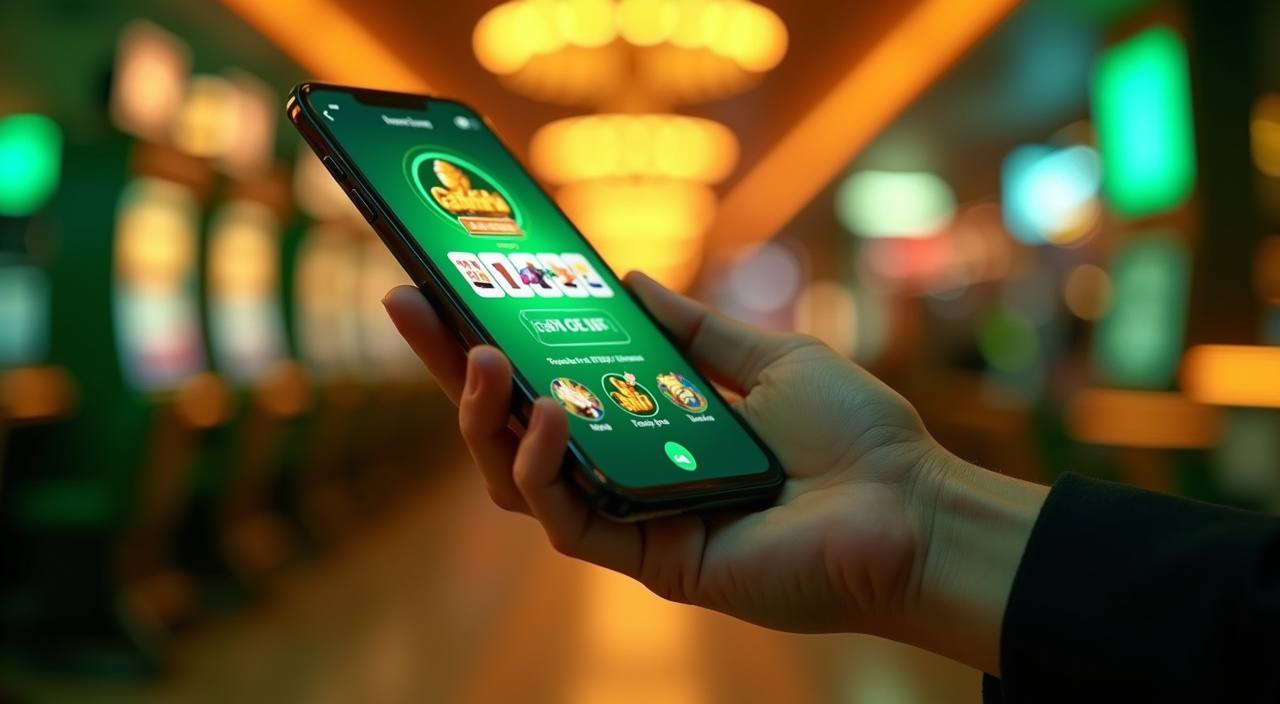
Speed Blackjack, Aviator, Starburst and live baccarat sit in one lobby with DANA, OVO, GoPay and QRIS wallet paths, so you can open an account and…

You see casino rooms, slots, table games and sportsbook entries beside the wallet bar and account menu.
Pragmatic Play, PG Soft and Habanero appear across rooms Indonesian players often recognise, with more studios grouped by category in the lobby.
Your wallet screen shows only the rails we support for Indonesia: DANA, OVO, GoPay and QRIS.
Once the home page gives you the layout, the next useful step is checking the pages that affect your session.


Your first minute should be simple: create the account, confirm your mobile number and check the lobby categories before adding funds.
Fast help depends on choosing the right channel. Live chat is built for login, wallet and game-loading questions during active hours, while email suits longer cases that need screenshots or transaction references. On mobile, the help button stays close to the footer menu so you can ask a question without leaving the account area.
Use live chat from 09:00-23:00 WIB for account access, balance refreshes, game loading checks and quick wallet questions while you are still online.
Send email for withdrawal checks, document follow-up or cases that need screenshots. Include your account ID and the transaction time to reduce repeat questions.
Tap the footer help button from phone view when a game stalls or the cashier does not refresh after DANA, OVO, GoPay or QRIS confirmation.
The mobile site opens from your browser, so you do not need to search an app store before checking your account.

Safe use starts with control over your account, not a slogan. We ask for profile details, protect sessions with timeouts and keep wallet actions behind confirmation screens.
Searching through disconnected links creates confusion about which account, wallet and promo rule you are using.
| Single login | You use one account for casino, slots, sportsbook and Fishing rooms, which keeps history and wallet actions tied to the same profile. |
|---|---|
| Visible wallet | The cashier sits inside the account area, so DANA, OVO, GoPay and QRIS actions are not separated from balance history. |
| Cleaner game path | Rooms are grouped by category, helping you move from Starburst to live baccarat or sportsbook markets without hunting through unrelated links. |
| Support nearby | Chat, email and mobile help are placed close to account actions, making it easier to ask about a login or wallet issue immediately. |
| Terms in context | Promo conditions sit near the offer area, so you can read them before starting instead of searching after a reward appears. |
| Device continuity | Phone, tablet and desktop use the same account balance, which helps when you start with slots and return later for live tables. |
Different rooms behave differently, so we describe them by category instead of pretending one format fits every session.
Slot rooms show reel rules, feature triggers and volatility notes inside the game screen where the studio provides them.
Live baccarat, Dragon Tiger and blackjack tables stream dealer action, with table limits and round status visible before entry.
Markets settle from event results and ticket status, with accepted stakes and returns shown in the bet history area.
Fishing rooms use arcade rounds, coin values and target rules shown in the game interface before you start.
Bingo rooms display card rules and round timing within the game panel, separate from live tables and slot rooms.
We shape the home page around Indonesia access patterns: mobile-first browsing, local wallet rails and support hours aligned to WIB. Your eligibility depends on local law, and the site does not override regional rules. From Surabaya to smaller cities, the same browser path brings you to login, wallet, casino rooms, slots and help without a separate regional page. If your connection changes, refresh the lobby before repeating a wallet action.
The home page is designed to answer practical questions before you join: what can I open, how do I pay, how do I get help and what happens…
These answers focus on the home page and the first account decisions most Indonesia visitors make: how to join, what games appear, which wallets are supported and where help lives. For anything tied to eligibility, access depends on local law, and support can confirm account-specific details after login.
Start at the hero if you only need the account button and payment chips. Move down to the lobby areas when you want to compare casino rooms, slots and sportsbook access.
Create the account first, because the full wallet, promo board and transaction history only appear after login.
Use the lobby categories to compare slots, live casino, table games, sportsbook entries, Bingo and Fishing before choosing a room.
Pick DANA, OVO, GoPay or QRIS from the cashier, then wait for the balance screen to refresh before returning to games.
Use live chat during WIB support hours for quick issues, or email if your question needs screenshots or transaction references.